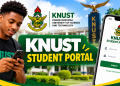

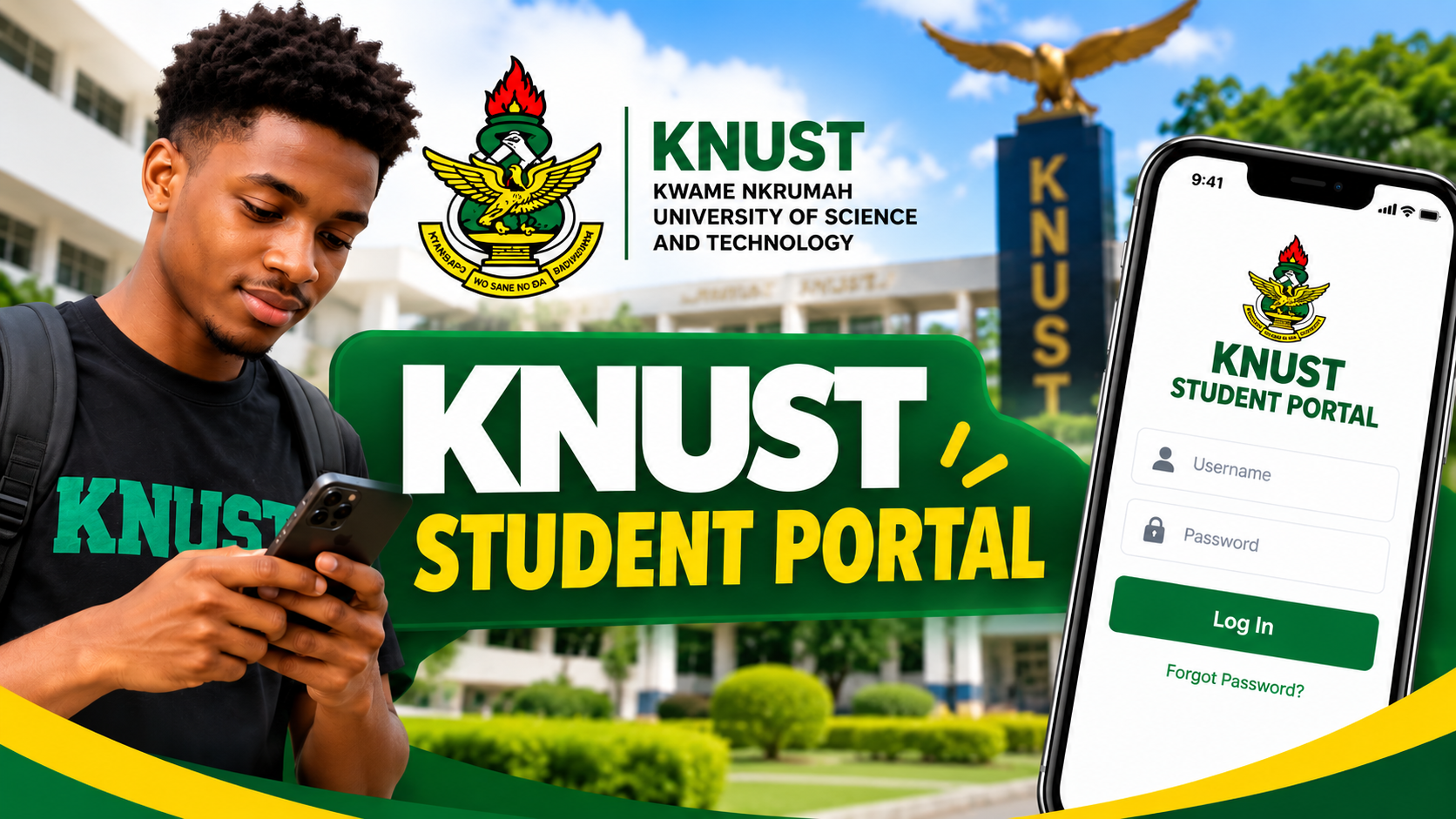
Students of Kwame Nkrumah University of Science and Technology (KNUST) can access important academic services through the university’s Student Portal, also known as the Academic Info Manager (AIM).
Get the latest campus news, updates, and announcements by joining our WhatsApp channel here: 👉 Join on WhatsApp.
How to Login
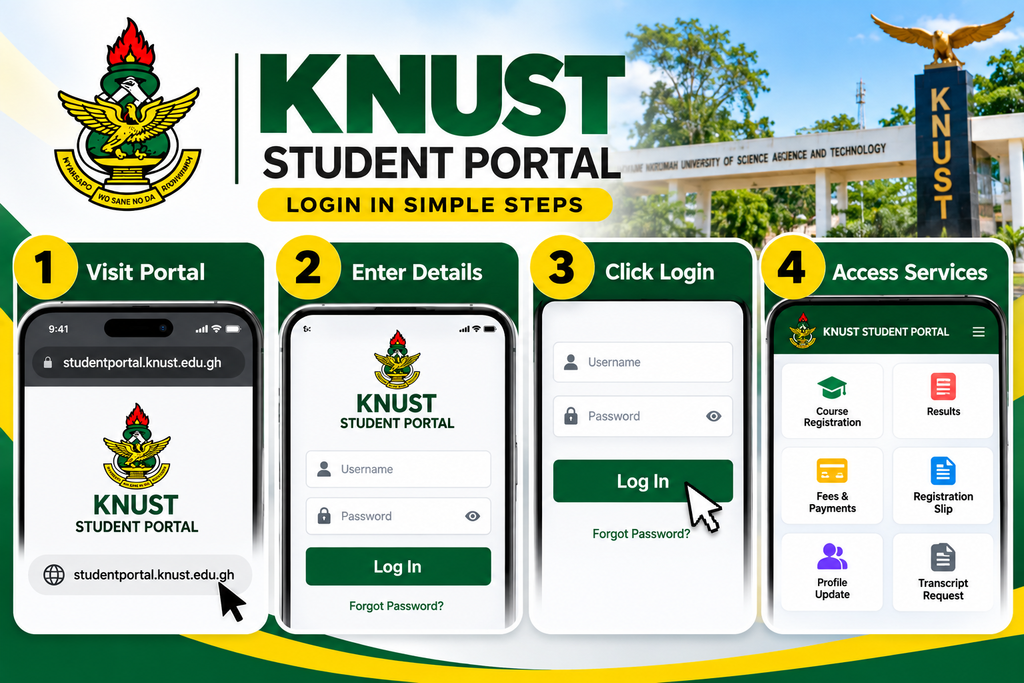
1. Visit the official KNUST Student Portal:
KNUST Student Portal
2. Enter your username and password.
3. Enter your Student ID or Reference Number.
4. Click “Log In” to access your student account.
Once logged in, students can access services such as course registration, results, registration slips, profile updates, lecturer assessment, bills and payment information, and transcript requests.

Forgot Your Password?
You can reset your credentials through the official password-reset page:
KNUST provides both SMS and email password-reset options.
Use KNUST AIM on Your Phone
KNUST also provides the AIM mobile app, which allows students to access many of the same services from their phones.
Important: KNUST advises students not to share their student credentials with anyone.