

Wednesday, October 14, 2026
  • About
  • Contact
  • Login
  • Register
Kiddo Junior
  • Home
  • News
  • Education
  • Politics
  • Entertainment
  • Lifestyle
  • Tips & Guides
No Result
View All Result
  • Home
  • News
  • Education
  • Politics
  • Entertainment
  • Lifestyle
  • Tips & Guides
No Result
View All Result
Kiddo Junior
No Result
View All Result

How to Check 2026 WASSCE Results Using Your Phone

Kiddo JuniorbyKiddo Junior
September 5, 2026
in News, Education, Tips & Guides
Reading Time: 4 mins read
0
WAEC results 2026

how-to-check-2026-wassce-results-using-phone

ShareTweetShareShare

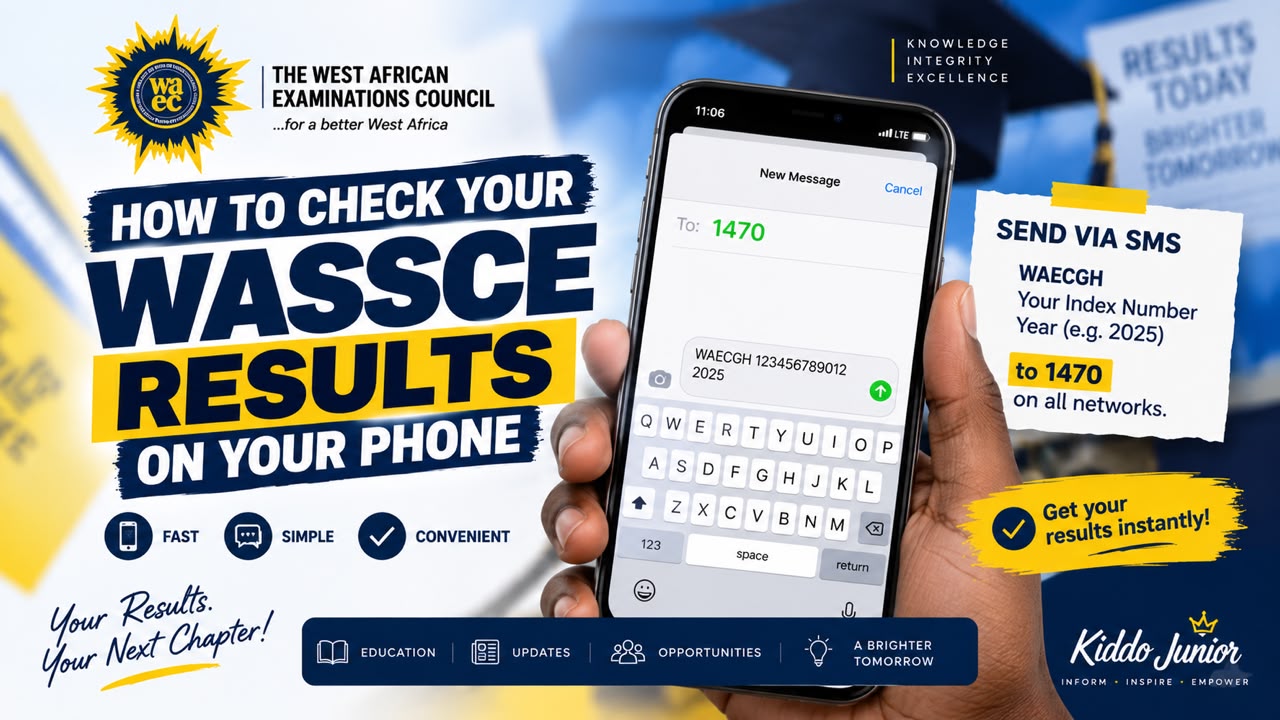
Candidates who have been waiting for their 2026 West African Senior School Certificate Examination (WASSCE) results can check their results directly from their mobile phones without needing a computer.

Get the latest campus news, updates, and announcements by joining our WhatsApp channel here: 👉 Join on WhatsApp.

The process can be completed using a smartphone with an internet connection and a WAEC Results Checker Voucher.

WAEC’s official results-checking platform requires candidates to provide their examination details together with the voucher’s serial number and PIN.

How to Check Your WASSCE Results on Your Phone

Follow these simple steps:

1. Connect Your Phone to the Internet

Turn on your mobile data or connect your phone to a Wi-Fi network.

You can use either an Android phone or iPhone.

2. Open Your Phone’s Browser

Open Google Chrome, Safari, or another web browser on your phone.

Best web design company in Ghana
ADVERTISEMENT

3. Visit the Official WAEC Results Checker

Go directly to the official WAEC Ghana results-checking portal:

WAEC Results Checker:
Check Your WASSCE Results Online

Candidates are advised to use the official WAEC platform rather than websites shared on social media that may request unnecessary personal information.

4. Enter Your Index Number

On the results-checking page, enter your WASSCE Index Number in the space provided.

Make sure the number is entered correctly before proceeding.

5. Select the Examination Type

Select WASSCE as your examination type.

6. Select the Examination Year

Choose 2026 as the examination year.

7. Enter Your Voucher Details

Enter the Serial Number and 12-digit PIN from your WAEC Results Checker Voucher.

The voucher details are required to access the results through the online checker.

8. Submit Your Details

After checking that all the information is correct, tap Submit.

Your 2026 WASSCE results should then be displayed if the details entered are correct and the results are available for checking.

What You Need to Check Your Results

Before starting the process, make sure you have:

  • Your WASSCE Index Number
  • A smartphone
  • Internet access
  • Your WAEC Results Checker Voucher
  • Voucher Serial Number
  • Voucher 12-digit PIN

What If the Results Do Not Show?

If your results do not appear immediately, do not panic.

The results-checking platform may experience heavy traffic when many candidates are trying to access their results at the same time.

First, check that your:

  • Index number is correct
  • Examination year is 2026
  • Examination type is correct
  • Voucher serial number is correct
  • PIN has been entered correctly

You can then try again after some time.

Be Careful With Fake WAEC Websites

Candidates should be careful when searching for WASSCE results online.

Do not enter your voucher PIN or other examination details into an unofficial website simply because it appears in a search result or is shared through WhatsApp, Facebook or other social media platforms.

For safety, use the official WAEC results portal.

Official WAEC Links

Check 2026 WASSCE Results:
WAEC Results Checker

WAEC Ghana Official Website:
WAEC Ghana

Candidates can now use their smartphones to access the official WAEC results portal and check their 2026 WASSCE results from virtually anywhere with an internet connection.

Tags: wasce
ShareTweetSendShare

Related Posts

No Content Available
Web design for SMEs Web design for SMEs Web design for SMEs
ADVERTISEMENT
Read See for Today Daily Devotional Read See for Today Daily Devotional Read See for Today Daily Devotional
ADVERTISEMENT

Latest News

Student Loan for Continuing University Students: How to Apply Under No Fees Stress

Student Loan for Continuing University Students: How to Apply Under No Fees Stress

No Fees Stress 2026/2027

How Students Will Receive Their Money and What Freshers Must Know

How to Apply for No Fees Stress 2026/2027: Official Link and Step-by-Step Guide for University Freshers

How to Apply for No Fees Stress 2026/2027: Official Link and Step-by-Step Guide for University Freshers

No Fees Stress 2026/2027

No Fees Stress 2026/2027: Government Introduces Financial Support for Newly Admitted University Students

Load More

Most Popular

How to Apply for No Fees Stress 2026/2027: Official Link and Step-by-Step Guide for University Freshers

How to Apply for No Fees Stress 2026/2027: Official Link and Step-by-Step Guide for University Freshers

Student Loan for Continuing University Students: How to Apply Under No Fees Stress

Student Loan for Continuing University Students: How to Apply Under No Fees Stress

No Fees Stress 2026/2027

No Fees Stress 2026/2027: Government Introduces Financial Support for Newly Admitted University Students

Professional Web Design Course

Professional Web Design Course in 8 Weeks

Load More
Kiddo Junior

Follow Us

About Us

Kiddo Junior a TikTok Influencer & Digital Content Creator. I work with brands to promote products and services to over 500k youthful audience. Accra Technical University Campus LifeStyle & Gossip

Browse by Category

  • Education
  • Entertainment
  • Lifestyle
  • News
  • Politics
  • Tech
  • Tips & Guides

Contact Us

Address: P. O Box GP 561, Barnes road, Accra.
Digital Address:  GA-106-2535
Phone: +233 53 388 7185

  • About
  • Contact

© 2025 Kiddo Junior - Accra Technical University Campus News, Lifestyle & Gossip | Website Designed by EnspireFX | Powered by StellerHost

Welcome Back!

Login to your account below

Forgotten Password? Sign Up

Create New Account!

Fill the forms below to register

All fields are required. Log In

Retrieve your password

Please enter your username or email address to reset your password.

Log In
No Result
View All Result
  • Home
  • News
  • Education
  • Politics
  • Entertainment
  • Lifestyle
  • Tips & Guides
  • Login
  • Sign Up

© 2025 Kiddo Junior - Accra Technical University Campus News, Lifestyle & Gossip | Website Designed by EnspireFX | Powered by StellerHost